
No account required. Available for VS Code, Cursor, Windsurf



Stop maintaining two design systems
Your component library already exists in your repo. Overlay reads it and puts it on the canvas. No copy to maintain, no drift to chase.
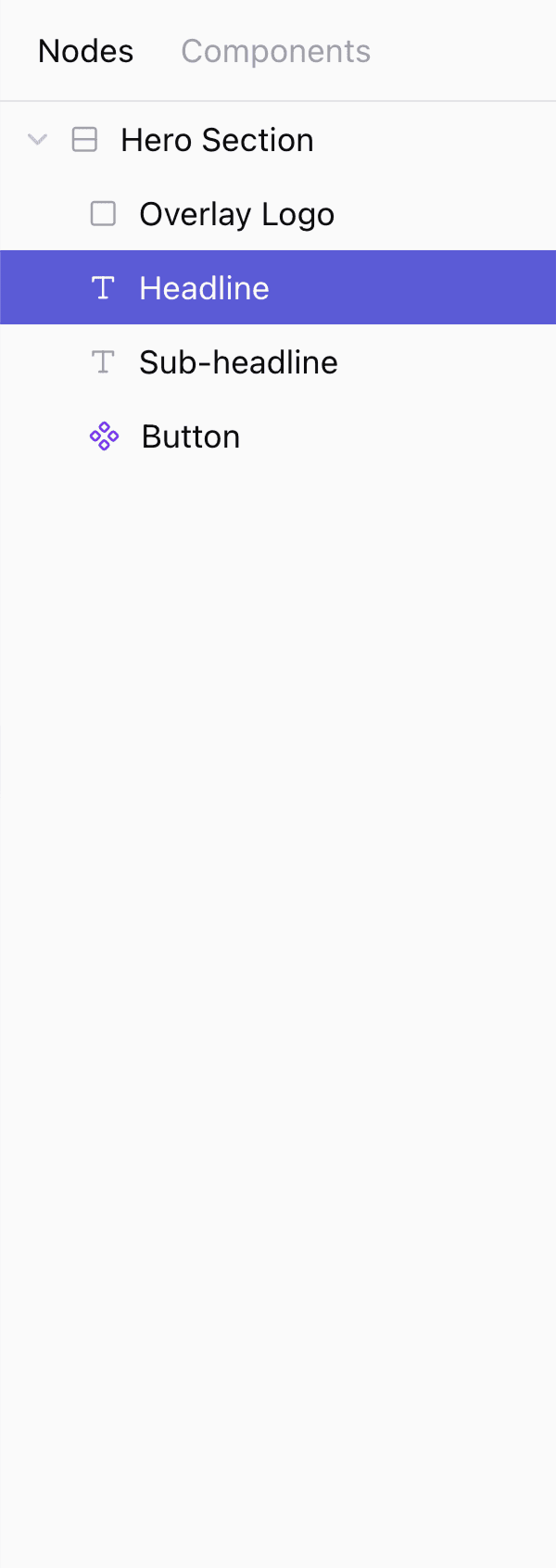
- The components in your repo, on the canvas, in a few clicks. Overlay reads them from the repo it's launched in, imports their props automatically, and exposes them in the side panel. No config file, no separate setup step.
Press Space to play or pause, R to restart the video, the up and down arrow keys to switch step, and the left and right arrow keys to skip 5 seconds.
AI agents that understand your design system
Agents do their best work with code. When they have access to your codebase and reuse it to generate UIs, they can make powerful edits while respecting your design system's usage and guidelines.
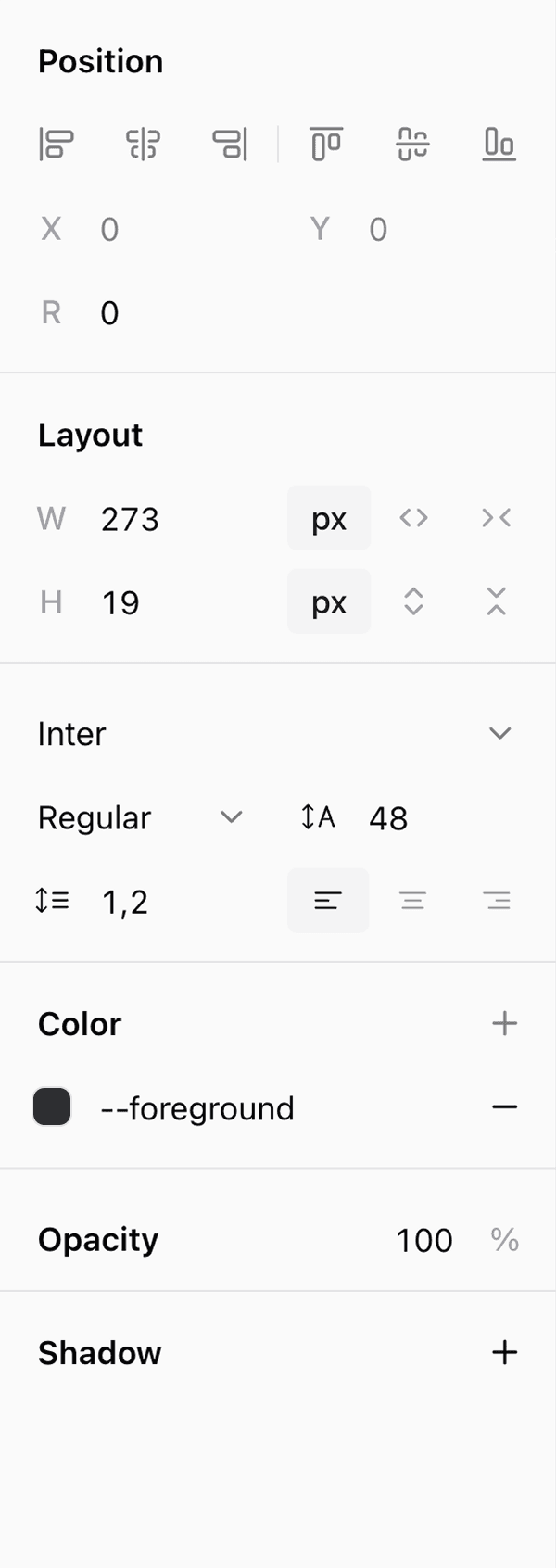
- Connect your favorite agent to Overlay over MCP and let it generate or edit UI directly on the canvas. It builds with your components and CSS tokens, and everything it produces stays draggable, resizable, editable.
Press Space to play or pause, R to restart the video, the up and down arrow keys to switch step, and the left and right arrow keys to skip 5 seconds.
Stay in the loop
Get notified about new features and updates (monthly, no spam).